
Tap to Pay on iPhone
From tap to reconciled, inside your product
Give your users a way to accept card payments anywhere, directly from their iPhone. No terminal, no extra setup. Automatically reconciled in their Swan account.

.avif)
Powering the fastest-growing companies in Europe
.svg)

Let merchants turn their smartphones into a card terminal
Centralise all incoming payments into your users’ Swan account and become
their Primary Bank Account.
All payment methods, one account
Tap to Pay completes your payment offering. Your users accept contactless card payments from physical cards, Apple Pay, or Google Pay, directly from their iPhone. Everything is centralised in their Swan account.
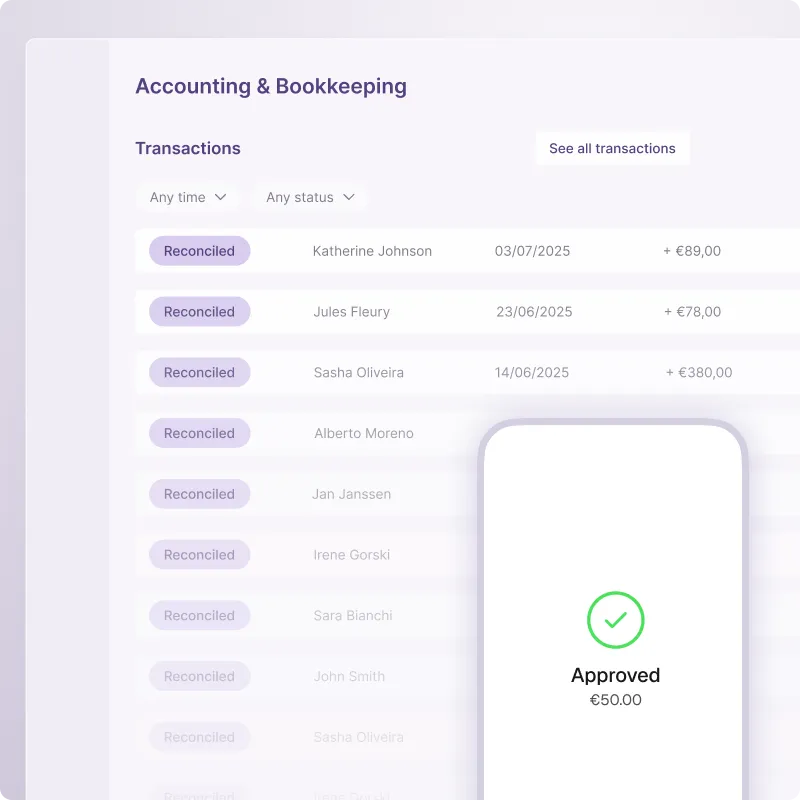
Reach the customers your competitors can't
Independents and small businesses are actively looking for integrated payment solutions. With Tap to Pay on iPhone, offer your users a payment experience built for their reality: over-the-counter or on-the-go, and always connected to their account.
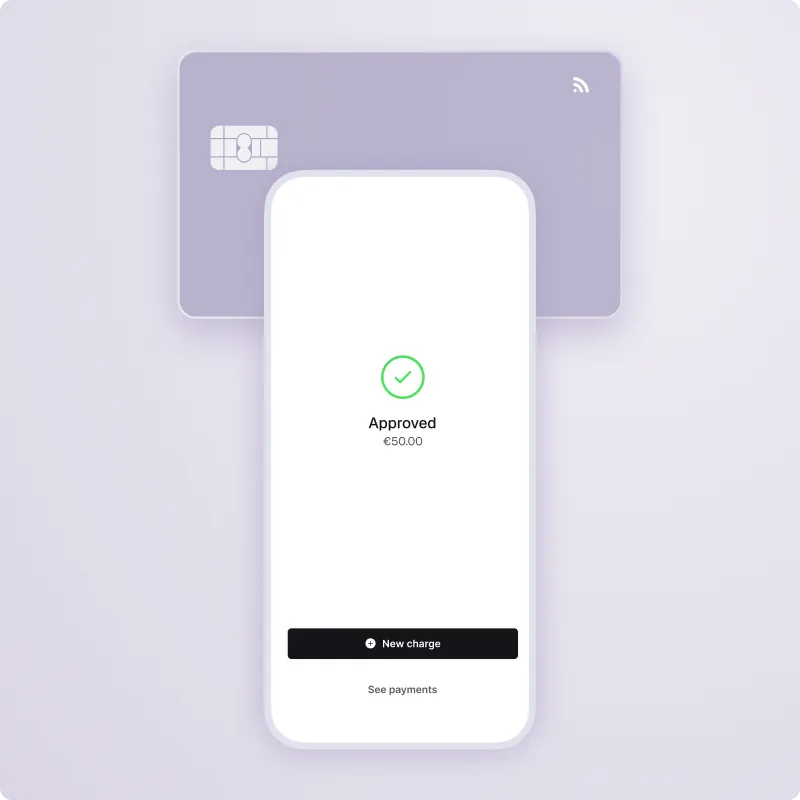
Built in, not bolted on
Integrate Tap to Pay using iOS SDKs with minimal engineering effort. No re-onboarding for your users. No separate provider. Just consistent APIs you already know, and a Swan team dedicated to your launch.

User experience
Single device, simple setup and seamless experience for your users
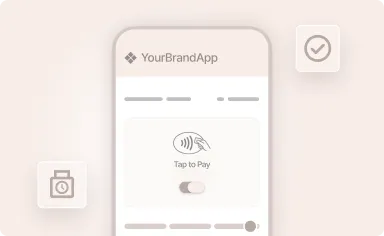
In your App.
Activation in minutes.
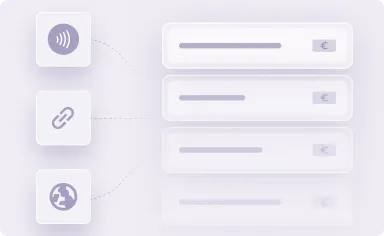
Every payment.
One account.
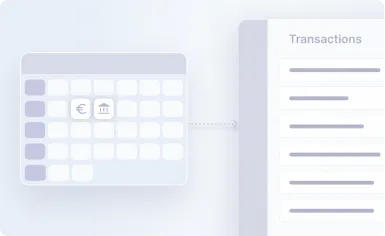
Paid today.
Settled tomorrow.
How it works
Accept payments via a simple, slick terminal app, in just a few taps
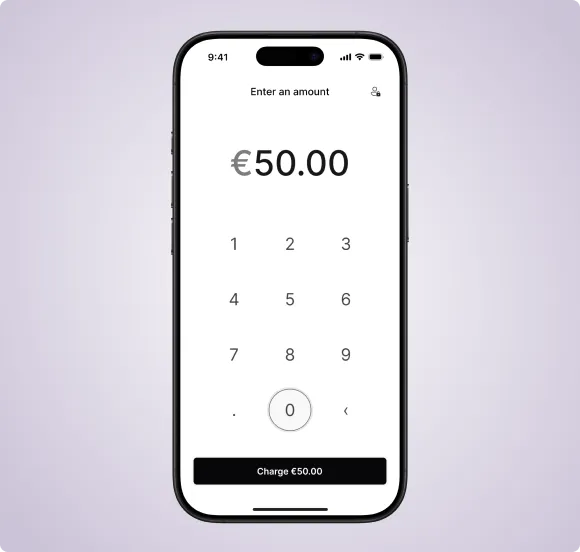
It starts with a number.
Your user opens your app, enters the amount to collect, and creates the payment request in seconds, no configuration needed.
A tap is all it takes.
The customer taps their contactless card, Apple Pay, or Google Pay. No terminal. No cable. No wait.
.webp)
Secure when it matters.
For higher-value transactions, the app automatically prompts for PIN entry — fully compliant, fully seamless.
.webp)
The transaction appears instantly in your user's Swan account with D+1 settlement — matched to their invoices automatically via the Merchant Payments API.
.webp)
Customers you can address
For businesses that get paid on the spot
.webp)
Small Businesses
.webp)
Health Professionals
.webp)
Independent services providers
Payment methods
Progressively complete your Accept Payments suite
Online Cards & Payment link

Accept card payments online or send instant, shareable payment links.
SEPA Direct Debit

Collect recurring or one-off payments from any account across the SEPA zone.
Internal Direct Debit

Streamline payment collection between Swan accounts instantly.
Local Payment Methods

Coming soon — Support regional payment preferences and habits across Europe.
POS & Terminals

Coming soon — Extend in-person acceptance to full POS hardware for higher-volume merchants.
French Checks

Accept traditional check payments with full digital traceability.
FAQ
It’s ok to have questions
Do my users need to go through a new KYC process?
No. Tap to Pay uses KYC reliance — your users activate in-person payments using their existing Swan account, with no additional verification or onboarding required.
What cards and wallets are supported?
All major contactless cards (Visa, Mastercard) and digital wallets including Apple Pay and Google Pay are accepted.
How quickly do my users receive their funds?
Payments settle directly into their Swan account on D+1 (next business day).
What does integration look like on my side?
Swan provides dedicated iOS SDKs that plug directly into your existing mobile application. Integration is designed for minimal engineering effort, with consistent APIs, clear documentation, and dedicated support from the Swan team.
Is there a risk of fraud? How is it managed?
Tap to Pay is powered by Stripe's certified, compliant infrastructure — including fraud detection and risk management built in. Combined with KYC reliance and near-instant onboarding, the risk profile for card payments stays low.
Is Tap to Pay available on Android too?
Yes — Swan provides SDKs for both iOS and Android. (This page covers the iPhone version. See the Android version here.)
To use Apple Pay you need a supported card from a participating card issuer. To check if your card is compatible with Apple Pay, contact your card issuer. Apple Pay is not available in all markets. View Apple Pay countries and regions. Features are subject to change. Some features, applications, and services may not be available in all regions or all languages and may require specific hardware and software. For more information, see Feature Availability.
Ready to complete your payment offering?
Join the partners already giving their users the freedom to accept payments anywhere — no terminal, no friction, fully reconciled. Let's build it together.


